
Fixing flaky tests: a systematic approach
TestlandJanuary 17, 2026Identify, categorize, and fix flaky tests with a repeatable four-step process. Includes code examples for timing issues and shared state problems.
A test that passes sometimes and fails other times is worse than no test at all. It erodes trust in your test suite, wastes time on false alarms, and eventually gets ignored - or worse, disabled.
Microsoft's engineering teams identified roughly 49,000 flaky tests across their codebase. Their flaky test management system helped pass 160,000 test sessions that would have failed otherwise. That's a staggering amount of developer time saved.
If you're dealing with flaky tests, here's a systematic four-step process to fix them for good.
Step 1: Detect and track flaky tests
You can't fix what you can't see. Before anything else, you need to know which tests are flaky and how often they fail.
Automatic detection methods:
Here's a simple pytest approach to track flaky tests:
# conftest.py
import json
from pathlib import Path

FLAKY_LOG = Path("flaky_tests.json")

def pytest_runtest_makereport(item, call):
    if call.when == "call" and call.excinfo is not None:
        # Test failed - log it
        log = json.loads(FLAKY_LOG.read_text()) if FLAKY_LOG.exists() else {}
        test_name = item.nodeid
        log[test_name] = log.get(test_name, 0) + 1
        FLAKY_LOG.write_text(json.dumps(log, indent=2))
Review this log weekly. Tests that fail intermittently but pass on retry need investigation. Doing this properly means storing history rather than reading the latest run - Test Observability: Metrics Beyond Red and Green covers which numbers are worth collecting and what each one tells you.
Step 2: Categorize the cause
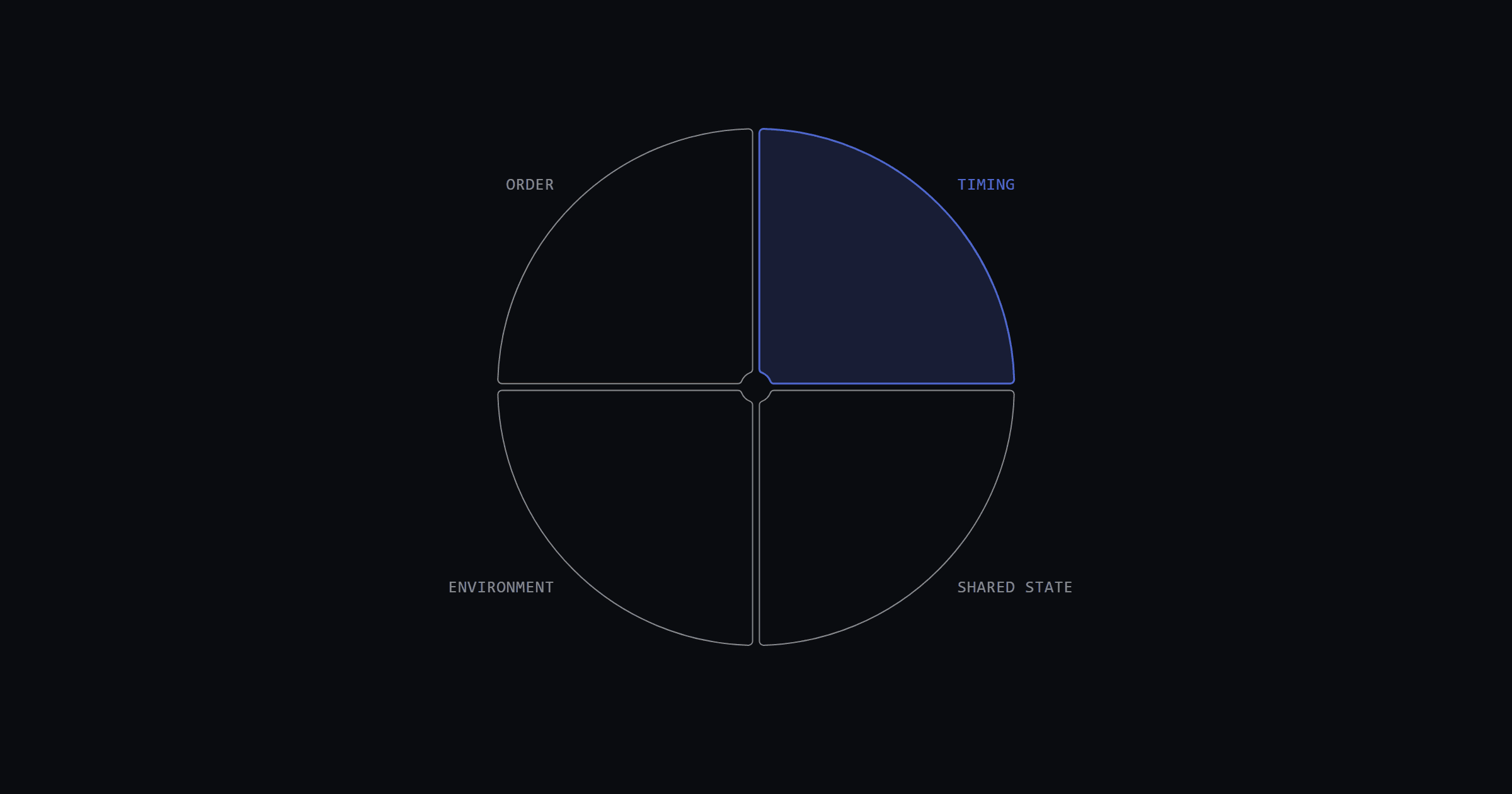
Once you've identified a flaky test, figure out why it's flaky. Most flaky tests fall into four categories:
| Category | Symptoms | Common in |
|---|---|---|
| Timing issues | Passes locally, fails in CI | UI tests, async operations |
| Shared state | Fails when run with other tests, passes alone | Database tests, API tests |
| Environment differences | Works on your machine, fails elsewhere | Docker tests, path-dependent code |
| Order dependency | Fails only in certain test order | Tests missing proper setup |
Quick diagnosis:
Step 3: Fix by category
Fixing timing issues
Timing issues are the most common cause of flakiness. The fix: stop using fixed waits and start using condition-based waits.
Bad - hardcoded sleep:
# This might work locally but fail in CI
def test_form_submission(page):
    page.click("button#submit")
    time.sleep(3)  # Hoping the server responds in 3 seconds
    assert page.locator("#success").is_visible()
Good - wait for condition:
# Waits until the condition is true, up to timeout
def test_form_submission(page):
    page.click("button#submit")
    expect(page.locator("#success")).to_be_visible(timeout=10000)
For Playwright specifically, take advantage of auto-waiting:
# Playwright auto-waits for element to be actionable
def test_login(page):
    page.get_by_role("button", name="Submit").click()  # Auto-waits
    expect(page).to_have_url("/dashboard")  # Auto-retries assertion
For API tests, add retry logic for transient failures:
from tenacity import retry, stop_after_attempt, wait_exponential

@retry(stop=stop_after_attempt(3), wait=wait_exponential(multiplier=1, max=10))
def call_api(url):
    response = requests.get(url, timeout=5)
    response.raise_for_status()
    return response.json()
Fixing shared state problems
When tests share data (database records, files, global variables), they can step on each other's toes. The fix: isolate each test completely.
Bad - shared test data:
# All tests use the same user - disaster waiting to happen
TEST_USER = {"email": "test@example.com", "id": 1}

def test_update_user():
    api.update_user(TEST_USER["id"], {"name": "New Name"})
    # Another test might be reading this user right now

def test_delete_user():
    api.delete_user(TEST_USER["id"])
    # Now test_update_user fails because user doesn't exist
Good - isolated test data:
import uuid

@pytest.fixture
def test_user(api_client):
    """Create a unique user for this test only."""
    unique_email = f"test_{uuid.uuid4()}@example.com"
    user = api_client.create_user(email=unique_email)
    yield user
    api_client.delete_user(user["id"])  # Cleanup after test

def test_update_user(test_user):
    api.update_user(test_user["id"], {"name": "New Name"})
    # Only this test touches this user

def test_delete_user(test_user):
    api.delete_user(test_user["id"])
    # Different user instance, no conflict
For database tests, use transactions that roll back after each test:
@pytest.fixture
def db_session():
    connection = engine.connect()
    transaction = connection.begin()
    session = Session(bind=connection)
    yield session
    transaction.rollback()  # All changes disappear
    connection.close()
Fixing environment issues
Environment flakiness usually comes from hardcoded paths, timing assumptions, or missing dependencies. The fix: make tests environment-agnostic.
# Bad - hardcoded path
config_path = "/Users/dev/project/config.json"

# Good - relative to test location
config_path = Path(__file__).parent / "fixtures" / "config.json"
For CI specifically:
Step 4: Prevent future flakiness
After fixing existing flaky tests, put guardrails in place:
Code review checklist:
CI configuration:
Team practices:
Fixing your flakiest tests first
Start by identifying your top 5 flakiest tests. Categorize each one, apply the appropriate fix, and verify the fix holds across multiple runs.
If you're using Playwright, the framework-specific failure modes are covered in Flaky Playwright Tests: Five Root Causes and Fixes, and Playwright's own guide on avoiding flaky tests is worth reading alongside it. For pytest users, the pytest-rerunfailures plugin can help detect flaky tests automatically.
As LinkedIn's engineering team puts it: flaky tests are worse than no tests. A systematic approach to finding and fixing them will save your team countless hours of frustration.
Everything Testland has written on this subject is collected under flaky tests and test reliability, and the diagnosis workflow above is packaged as installable agents in qa-flake-triage.